
Publishing content, following accounts, or simply observing without exposing your real identity: this is why many users seek to open an Instagram profile completely dissociated from their daily life. An anonymous account is not just about choosing a whimsical username. Every setting, from the email address to behavior on the app, plays a role in protecting your identity.
Disposable email address and phone number: the first technical link
Instagram requires either an email or a phone number to validate registration. This is the stage where most users unknowingly compromise their anonymity.
Why? Because the friend suggestion algorithm exploits phone contacts and email addresses already associated with other accounts. If you enter your personal number, your colleagues and loved ones will appear in suggestions, and you will appear in theirs.
Use an email address created solely for this account. Services like ProtonMail or Tutanota allow you to open a mailbox without providing a phone number. Choose an identifier that does not contain your name, date of birth, or any word you use elsewhere.
If Instagram requires SMS verification, a prepaid SIM card purchased at a retail outlet (without a subscription linked to your identity) remains the most reliable solution. Avoid online virtual number services: many are already blacklisted by the platform. Those who wish to delve deeper into the process can create an anonymous Instagram account with Backlink Links by following a detailed protocol covering each technical step.
Instagram privacy settings to lock down upon creation
Once the account is opened, the immediate reflex is to switch the profile to private mode. But beware: a private account does not guarantee anonymity. Instagram’s help pages specify that private mode prevents non-followers from seeing your posts, but your approved followers retain full access to your content and your following list.
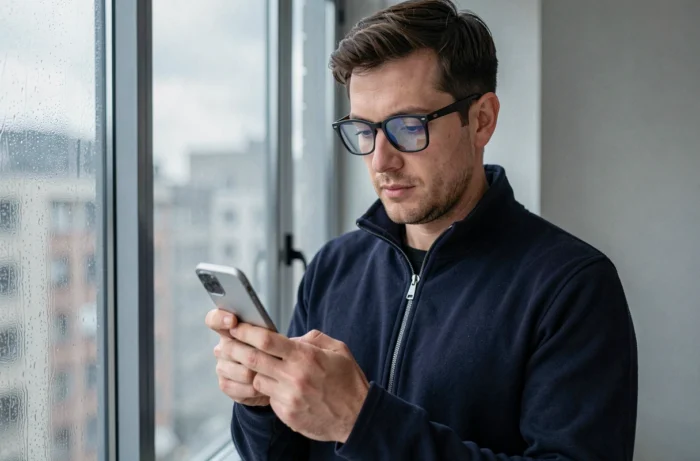
Here are the settings to modify in the first few minutes after registration:
- Disable contact synchronization in the account settings. Without this step, Instagram automatically imports your address book and connects you to your acquaintances.
- Decline account suggestions in the privacy options (under “Similar Accounts”). This reduces your visibility in recommendations displayed to other users.
- Do not link the account to Facebook or any other social network. Connecting to an existing Meta profile creates a direct bridge to your real identity.
- Disable location tags on each post. A simple geotag on a photo is enough to reveal your neighborhood or workplace.
These combined settings significantly reduce your footprint, but they do not replace daily discipline.
Behaviors that betray an anonymous account on Instagram
Technique is not everything. Behavior on the app matters as much as the settings. Many users configure their profile correctly, then ruin their anonymity within days through mundane habits.
Liking a post from your anonymous account while also having a personal account on the same device creates a signal. Instagram detects multiple accounts used on the same phone and can cross-reference the data.
Common mistakes to avoid
Do not follow the same people as on your main account. The algorithm detects similar subscription patterns and uses them to suggest cross-recommendations.
Avoid posting photos containing EXIF metadata (location data, device model). Most smartphones embed this information in every shot. Remove metadata before each post using a dedicated app or by taking a screenshot of the original image.
Never reuse a username, bio, or writing style identical to those of your other accounts. A simple Google search on a username can link two profiles in seconds.
Web browser or app: which access to choose for more discretion
Have you noticed that Instagram on a browser offers fewer features than the mobile app? What seems like a disadvantage becomes an advantage for anonymity.
A private mode browser does not store cookies or session history. Combined with a VPN, it prevents Instagram from associating your IP address with your account. On the mobile app, however, the system collects more data: device identifier, carrier, list of installed apps.
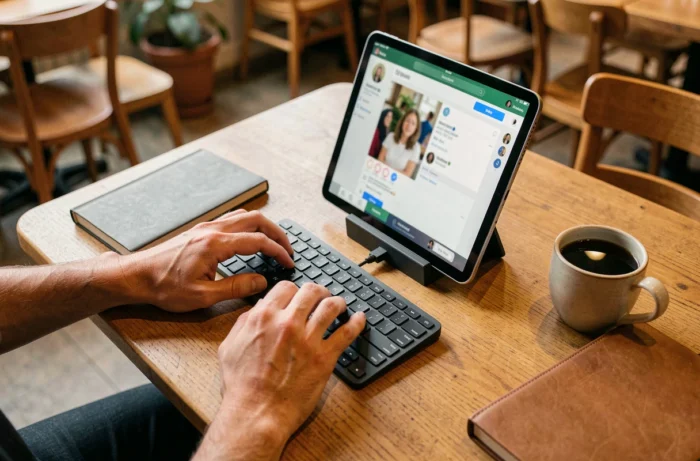
For purely consultative use (watching stories, browsing public profiles), the browser is sufficient. Some specialized tools even allow you to view Instagram content without logging in, but their reliability varies and they do not allow posting or interaction.
If you must use the app, consider a second device (an old smartphone reset) connected only via Wi-Fi through a VPN. This physical separation between your two digital identities remains the most effective barrier.
Teen accounts and AI profiles: Instagram’s recent constraints
Instagram has tightened its rules in recent months. Accounts created by minors are now private by default with enhanced messaging restrictions, further limiting the scope for anonymous use among teenagers.
Another development: profiles displaying an AI-generated person must carry an explicit label. Without this mention, the account’s reach is reduced in recommendations. If your anonymous account project involves an AI avatar, this rule changes the game.
These constraints show that Instagram is gradually tightening control over its users’ identities. An anonymous account remains possible, but it requires technical vigilance that the platform does not facilitate. Every detail matters, from the registration email to the last like.