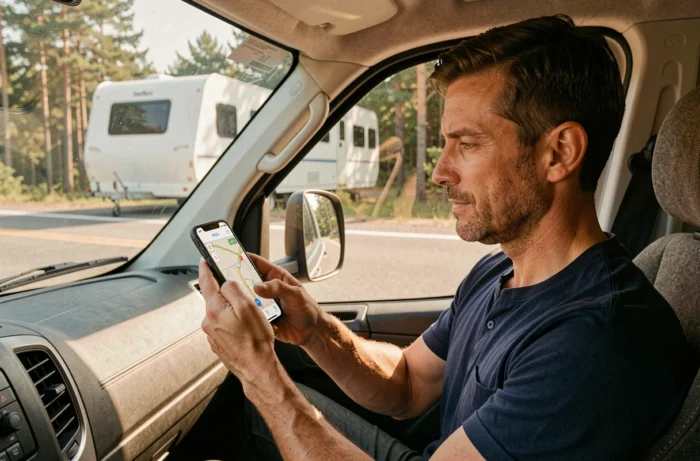
Waze calculates each route as if the vehicle were a sedan. Height under bridges, lane width, weight restrictions: none of these constraints are included in its algorithm. For a driver towing a caravan or driving a motorhome, this lack of filtering by dimensions turns some route suggestions into dead ends, sometimes literally.
Why Waze ignores the dimensions of caravans and motorhomes
The app recognizes three vehicle profiles: private car, taxi, and motorcycle. There is no motorhome, heavy vehicle, or trailer mode in its settings. A volunteer editor from the Waze France community program confirmed this on the official forum: the technical and legal constraints related to large vehicles are too significant to be integrated without exposing the platform to liability.
In practical terms, Waze does not take into account the height (a height-restricting gantry can drop well below the dimensions of a streamlined motorhome), nor the maximum authorized weight, nor the width of the towing vehicle and caravan. The app can therefore direct a trailer towards a bridge that is too low, a turn that is too tight, or a local road prohibited to vehicles exceeding a certain weight.
Using Waze alone to calculate a caravan and motorhome GPS on Waze amounts to exploiting its traffic data while accepting a blind spot regarding the physical restrictions of the road network.
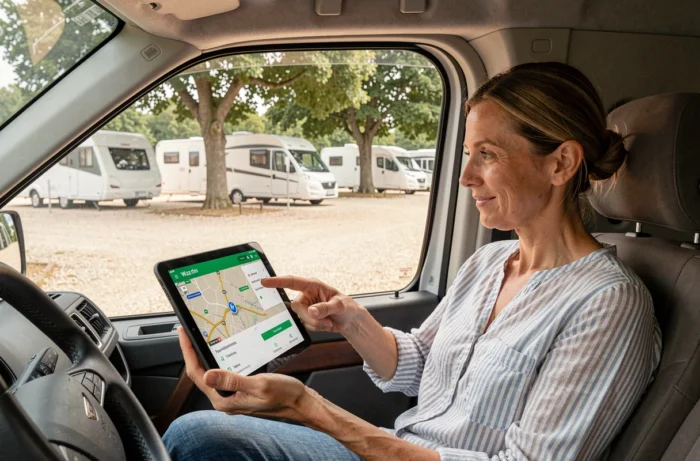
Useful Waze settings despite the absence of caravan mode
The fact that Waze does not manage dimensions does not mean it should be dismissed. Several settings can help limit risks when towing a caravan.
Avoid unsuitable road types
In the navigation settings, Waze offers to exclude certain categories of roads: highways, toll roads, unpaved roads. Disabling unpaved roads is the first reflex for a trailer, as these paths pose maneuverability and equipment degradation issues.
You can also force the avoidance of tolls. Beyond the financial aspect, some toll barriers have narrow lanes that complicate the passage of a wide combination. Toll classes vary according to the vehicle’s height (above or below 2 m at the first axle, or above 3 m), which can surprise drivers used to car rates.
Activate all community alerts
The strength of Waze remains its network of users who report in real time dangers, roadworks, objects on the roadway, and slowdowns. For a caravan, these alerts have a higher value than average: sudden braking with a trailer is much riskier than in a solo car. Checking that danger and roadwork notifications are active in the settings allows for anticipation rather than reaction.
- Unpaved roads: to be systematically excluded for any trailer or motorhome, even of small dimensions
- Danger and roadwork alerts: to be activated permanently to compensate for the lack of filtering by dimensions
- Displayed speed limit: useful as a reminder, knowing that the maximum speed with a caravan is lower than that of a car on the highway and national roads
Low Emission Zones and Crit’Air: a constraint that Waze does not manage for heavy GVW
Low emission zones (LEZ) are becoming widespread in major French urban areas. Paris, Lyon, Strasbourg, Nice, and other metropolises are gradually restricting access to vehicles based on their Crit’Air sticker. Waze can signal certain LEZ, but does not distinguish a motorhome under 3.5 tons from a heavier model.
The difference is, however, significant. Motorhomes with a GVW exceeding 3.5 tons are classified as heavy vehicles from a regulatory standpoint. In case of non-compliance with an LEZ, the fine rises to 135 euros for these vehicles, compared to 68 euros for a light vehicle.
For a combination of car plus caravan, the question arises differently: it is the towing vehicle that determines the Crit’Air class. Checking the compatibility of your vehicle with the LEZs crossed is part of route preparation, and Waze will not do this work for the driver.
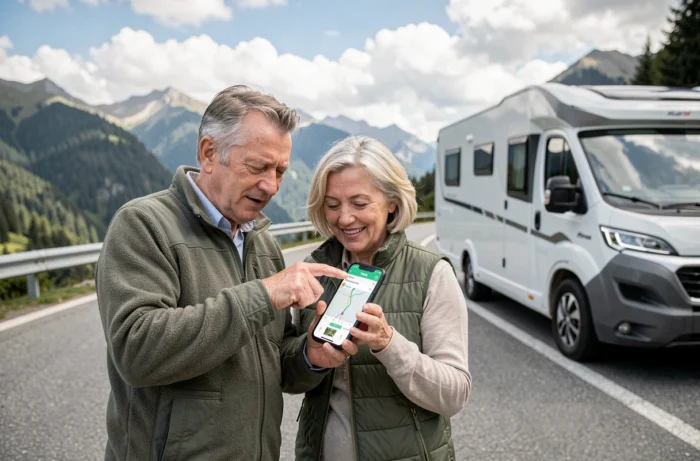
Specialized caravan GPS applications: what they add to Waze
Rather than replacing Waze, coupling the app with a specialized dimension GPS allows for combining real-time traffic and physical filtering of roads. Several applications integrate the vehicle’s dimensions into the route calculation.
Gabary, for example, was specifically designed for motorhomes and recreational vehicles. The user inputs the height, width, length, and weight of their vehicle or trailer. The app then filters roads based on these parameters: low bridges, narrow roads, weight restrictions.
Sygic GPS Truck and Camping-Car operates on a similar principle, with a database of road restrictions derived from the professional transport world. These applications also offer offline maps, an advantage when driving in rural areas where network coverage is weak.
- Gabary: complete dimension entry (height, width, length, weight), filtering of physical restrictions, interface designed for recreational vehicles
- Sygic GPS Truck and Camping-Car: professional database of road restrictions, offline navigation, height and weight alerts
- Waze as a complement: real-time traffic, community reports, roadwork and danger alerts, to be used alongside the dimension GPS
License and GVW: check before planning the route
The European directive 2025/2205 plans to raise the maximum GVW allowed with a B license to 4.25 tons for motorhomes, under certain conditions. In France, this reform has not yet been transposed: the regulatory limit remains at 3.5 tons of GVW for the B license, beyond which a C1 license is required.
For a combination of car plus caravan, the B license is sufficient if the trailer’s GVW does not exceed 750 kg or if the total weight remains less than or equal to 3,500 kg. Beyond that, a B96 training or BE license is required. These thresholds also condition the choice of route, as some local or departmental roads impose weight restrictions that only concern combinations exceeding a certain GVW.
No GPS application, including Waze, verifies the alignment between the driver’s license and the configured vehicle. This is a responsibility that remains entirely with the driver, to be checked even before turning on the navigation screen.